03Service
The right people. The right doors. The right time.
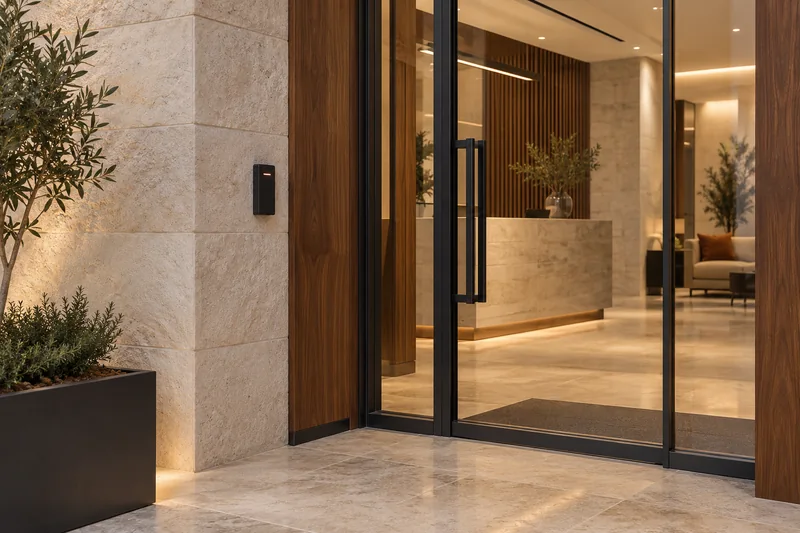
Keys get copied and cards get shared. Modern access control knows exactly who went where and when, and lets you change permissions in seconds from anywhere.
01Credentials we deploy
- Mobile credentials on iPhone and Android, including phone and watch wallets
- Secure encrypted cards (DESFire, Seos)
- Face recognition
- Fingerprint
- PIN
- QR codes for visitors
- License plates for vehicles
02Trends
What has changed at the door.
- 01
Phones are the new key. Your phone or watch replaces the card, and the credential is far harder to copy than a key or a basic card.
- 02
Cloud-managed access lets you run one site or fifty from a browser.
- 03
Identity-linked permissions sync with HR, so new staff get access on day one and leavers lose it instantly.
- 04
Encrypted reader wiring (OSDP) replaces older, easily cloned connections.
- 05
Access data as business insight: occupancy patterns that guide cleaning, space planning and energy use.
03Schedule
Includes
| Ref | Item |
|---|---|
| ACS.01 | Doors, turnstiles, speed gates, barriers and lifts |
| ACS.02 | Visitor management and pre-registration |
| ACS.03 | Time and attendance |
| ACS.04 | Anti-passback and mantraps |
| ACS.05 | Lockdown scenarios |
| ACS.06 | Integration with CCTV and fire alarm so every event has video |
| ACS.07 | Instant alarms on the security workstation for a door held open, a forced door or a wrong password entered more than once |
Integration in action
Watch the systems work together.
Choose a moment. See your space respond.
The sensor reports an open door; the configured timeout distinguishes normal passage from an alert.
Scenario
A door event becomes a coordinated response.
A restricted door remains open beyond its configured limit.
- 01
The door contact remains open.
- 02
Access control checks the held-open timer and configured exception rules.
- 03
The workstation receives the alert, linked video is requested and the event is logged.
- 04
The operator verifies the situation and follows the site’s response procedure.
Ready. Select a device to explore its role.
Illustrative sequence, not real equipment or response timing. Actual behaviour depends on compatible devices, configured rules and approved design. Fire-alarm outputs follow the approved cause-and-effect plan; this demo does not imply automatic sprinkler activation or unlocking every door.
Access Control
Plan your access control upgrade.
Tell us how many doors and people you manage, and we will propose readers and credentials.