
Smart homes · Smart businesses · Jordan
Welcome to your comfort zone.
Safe Zone designs, installs and supports the systems that keep your home or business secure, efficient and effortless to run. Cameras, access, parking, lighting, climate and the network beneath them, working as one.
02 / Access control
The gate knows the car.
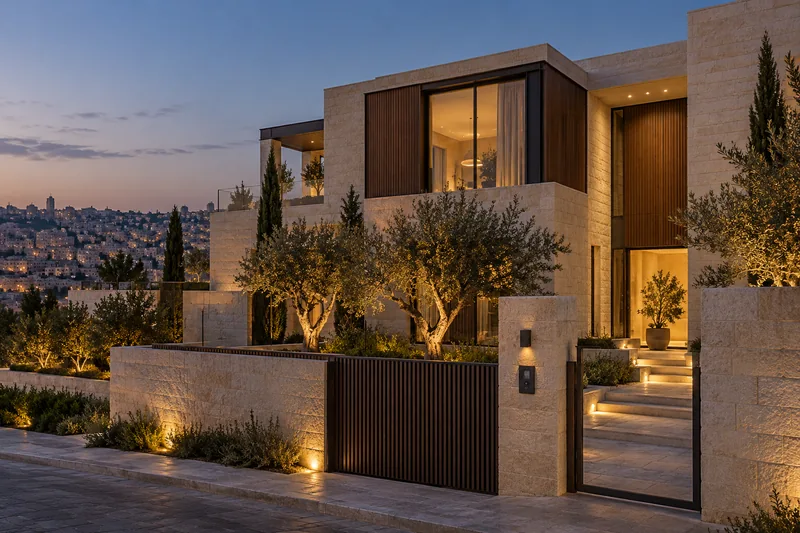
A plate camera reads the car at the curb. The gate opens, the entry is logged, and guests still have the keypad and video intercom on the pillar.
03 / Lighting control
Light that arrives before you do.
Driveway, facade, garden and living room come up in sequence on one dimming system, then settle to evening levels.
04 / Home automation
Privacy at one touch.
One scene lowers the blinds, sets the air conditioning and dims the rooms, from a wall keypad, the app or your voice.
05 / CCTV
More useful camera alerts.
Cameras record the planned coverage areas. Compatible analytics can prioritize people and vehicles and reduce unwanted alerts; performance depends on lighting, camera placement and the scene.
06 / One system
Select any point on the house.
Each one opens the system we install there, from the gate to the network rack.
- 01Coordinated system design
- 02Compatible platforms, clearly specified
- 03One point of contact
- 04Project support options
01Why one integrator
One building. Many systems. A plan that connects them.
We coordinate the systems your building needs through compatible interfaces and a clear integration plan. Dedicated fire and safety systems retain the infrastructure and independence required by their approved design.
02For homes
Comfort, security and convenience at your fingertips.
Bring compatible home controls into one interface, with scenes planned around your family’s routines.
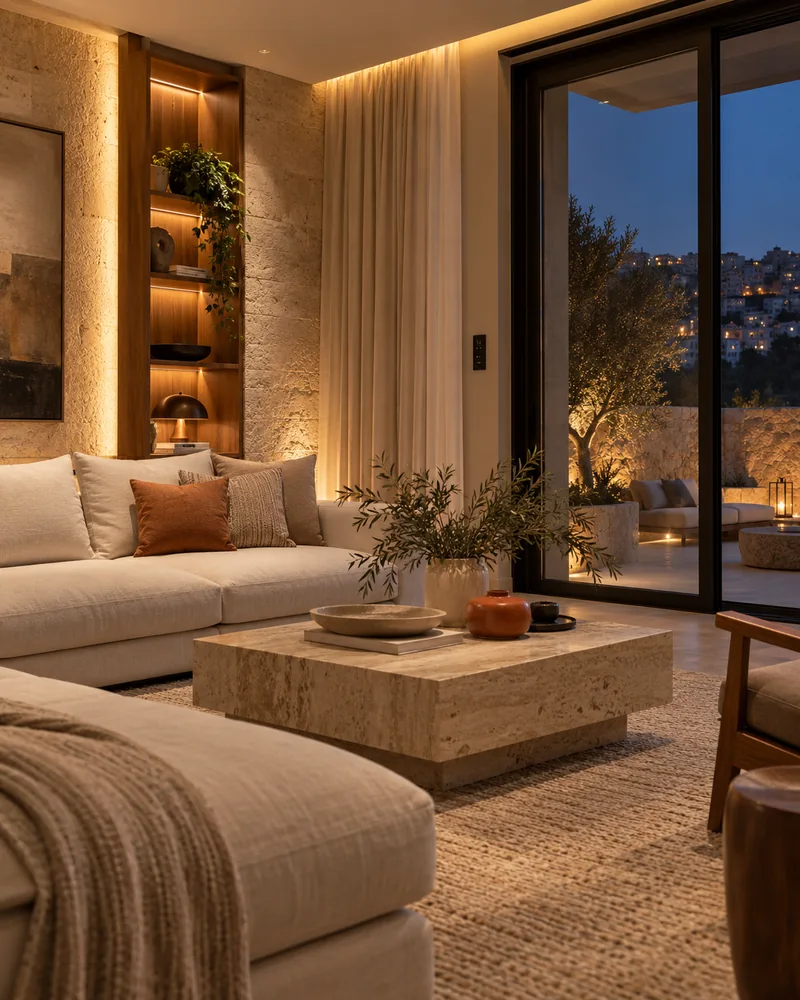
- Concept interior
- Everyday comfort
- One control layer
- Lighting · Shading · Climate · Audio
-
Lighting control. Dim, schedule and set the mood in every room with a tap.
-
Background music. Music in every room, from the kitchen to the garden, controlled from your phone.
-
Voice control. Use a compatible voice assistant to set a scene, adjust the AC or close the curtains. We help you choose devices that work together.
-
Smart curtains and blinds. Open with the sunrise, close for privacy or a movie.
-
AC control. Cool the house before you arrive and save energy when rooms are empty.
-
Home security. Compatible cameras, alarms, locks and intercoms, with selected mobile alerts when the communication path is available.
-
Scenes at one touch. Movie mode dims the lights, closes the curtains and starts the screen. Good night, Welcome home and Away modes work the same way.
Start with the rooms and routines that matter to you. We’ll plan the right controls and check compatibility before installation.
Integration in action
Watch the systems work together.
Choose a moment. See your space respond.
A button requests the configured departure scene.
Scenario
Comfort switches off. Security checks first.
A resident selects the Away scene.
- 01
The Away scene is requested.
- 02
The local controller checks the configured scene and window contacts.
- 03
Lighting and cooling respond; security checks whether arming is permitted.
- 04
The resident sees the outcome and any action still needed.
Ready. Select a device to explore its role.
Illustrative sequence, not real equipment or response timing. Actual behaviour depends on compatible devices, configured rules and approved design. Fire-alarm outputs follow the approved cause-and-effect plan; this demo does not imply automatic sprinkler activation or unlocking every door.
03For businesses
Secure, connected and fully under control.
From one office to a full tower, Safe Zone delivers the security and building systems a business needs, integrated so they work as one.
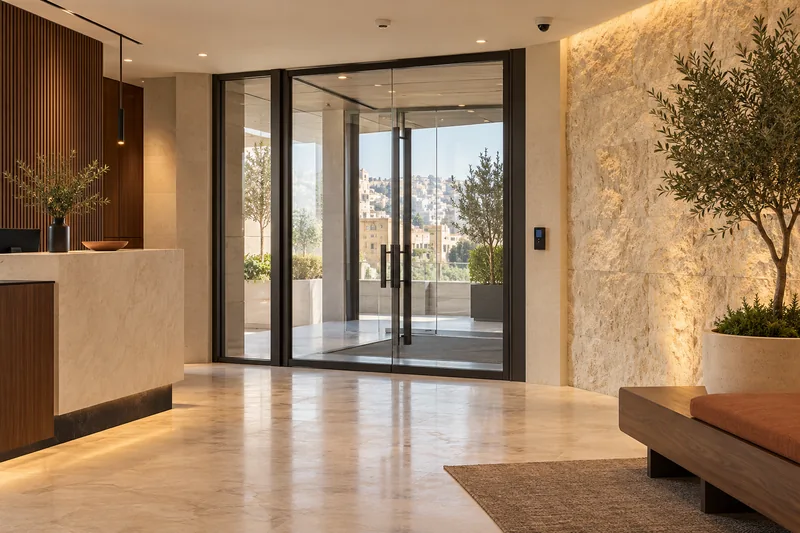
- Access control Manage supported doors and turnstiles from one interface, using the compatible credentials selected for your site.
- Fire alarm and voice evacuation Fire detection and voice evacuation planned around the building’s applicable requirements, with consultant review and required authority approvals.
- Camera surveillance Cameras selected for your site, with remote viewing and supported analytics for useful alerts and faster searches.
- Integrated security alarms Configured held-open, forced-door and repeated invalid-credential events can alert the security workstation and request associated camera footage where supported. Fire interfaces follow the approved fire strategy.
- Parking management and guidance Supported ANPR can coordinate authorized entry, parking records and configured fee calculation. Guidance uses the specified bay-detection system; find-my-car needs a supported link between the plate and parked location. Payment options depend on the integrated provider.
A single service or a complete building: the scope starts with your site, its risks and how your team works.
View all servicesIntegration in action
Watch the systems work together.
Choose a moment. See your space respond.
The sensor reports an open door; the configured timeout distinguishes normal passage from an alert.
Scenario
A door event becomes a coordinated response.
A restricted door remains open beyond its configured limit.
- 01
The door contact remains open.
- 02
Access control checks the held-open timer and configured exception rules.
- 03
The workstation receives the alert, linked video is requested and the event is logged.
- 04
The operator verifies the situation and follows the site’s response procedure.
Ready. Select a device to explore its role.
Illustrative sequence, not real equipment or response timing. Actual behaviour depends on compatible devices, configured rules and approved design. Fire-alarm outputs follow the approved cause-and-effect plan; this demo does not imply automatic sprinkler activation or unlocking every door.
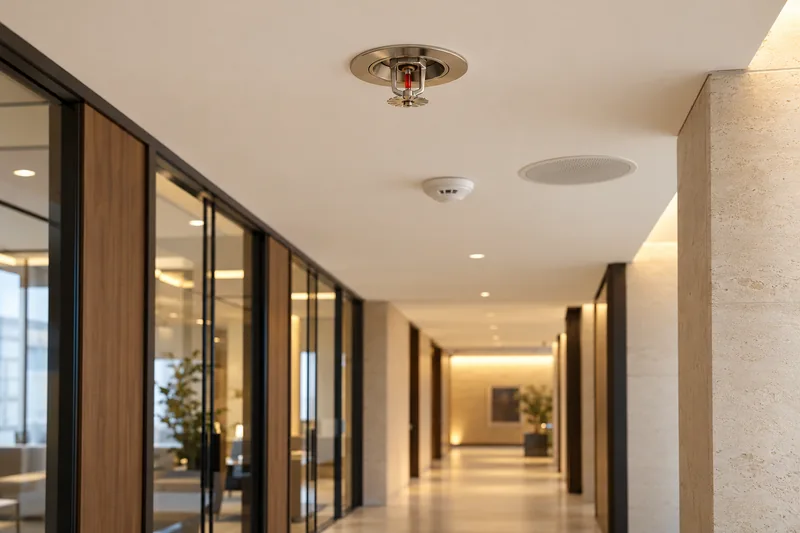
Firefighting systems
An alarm warns.
Suppression responds.
A fire alarm detects a problem and alerts people. Firefighting systems help control or extinguish a fire. Your building needs the right combination, planned together.
Protect the space
Sprinklers and suitable suppression, selected for the area and its risks.
Plan the water supply
Pumps, tanks and pipework coordinated with the building's fire protection design.
Keep the team informed
Water-flow, valve and pump status signals, where supported by the specified equipment.
04Why now
Buildings are getting smarter. Yours should too.
Start with what will make a difference: a useful security alert, easier guest access or lights that switch off in an empty room. We select compatible systems, plan for future additions and make the controls easy for the people who use them.
05Sectors
Designed around how you live and work.
Every sector has different risks and routines. We design for yours.
06How we work
How a project runs
Survey Design Install Support.
From the first site visit to ongoing system support. The full process, in six stages, is on the Why Safe Zone page.
See how we workStart here
Tell us what you are building.
Tell us about your project. Our team will contact you to discuss the next steps.